Login & Signup
KIOPS uses an organization-based membership system. After signing up, you must be approved by an organization manager before you can log in.
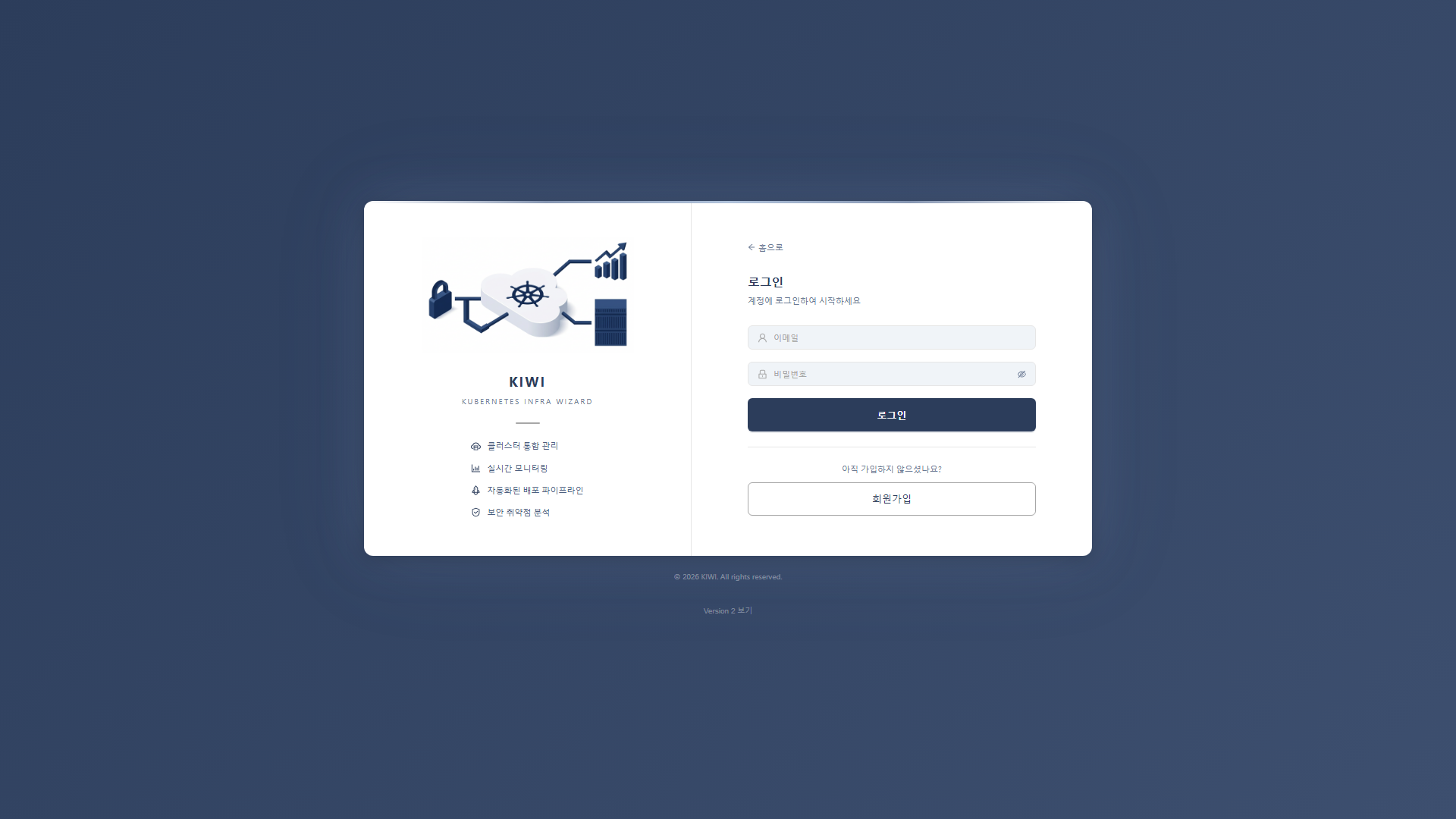
What you can do here
- Sign up: Create an account by entering email, name, and password, and selecting your organization.
- Log in: Sign in with email and password. After login, the session is maintained for the server-configured default duration (for example, around 24 hours) and can be extended with the session extension button in the header.
- Manage membership: Organization managers approve/reject signup requests and manage members.
Key elements
Signup steps
- Click the Sign Up link on the login page.
- Enter Email (account identifier, cannot be changed), Name, Password, and Confirm Password. The password policy follows the on-screen guidance.
- Use Select Organization to search and select one organization. Organizations are created by platform administrators; if yours is not listed, request its creation from the platform administrator.
- Click Sign Up to complete. You cannot log in immediately — you must wait for organization manager approval. Attempting to log in before approval shows a "Pending Approval" message.
Membership management (administrators) — Organization managers use the [User Management] page to approve/reject signup requests, grant permissions (device, service, backup, etc.) to approved users, and remove members.
If you forgot your password — Follow the "Forgot your password?" note on the sign-in screen and ask your organization manager to reset it. Signing in with the temporary password they issue takes you straight to the password change screen, and no other screen is usable until you set a new password. After changing it, sign in again with the new password.
Login troubleshooting — When login fails, the guidance depends on the response code/message (pending_approval, membership_rejected, no_organization, csrf_token, etc.). See the Status Reference for the meaning of each state and how to respond. For email/password errors, check case sensitivity and leading/trailing spaces.
Related tasks
- Profile - Edit name and change password
- User Management - Role management and signup approval
- Session Management - Session extension and logout